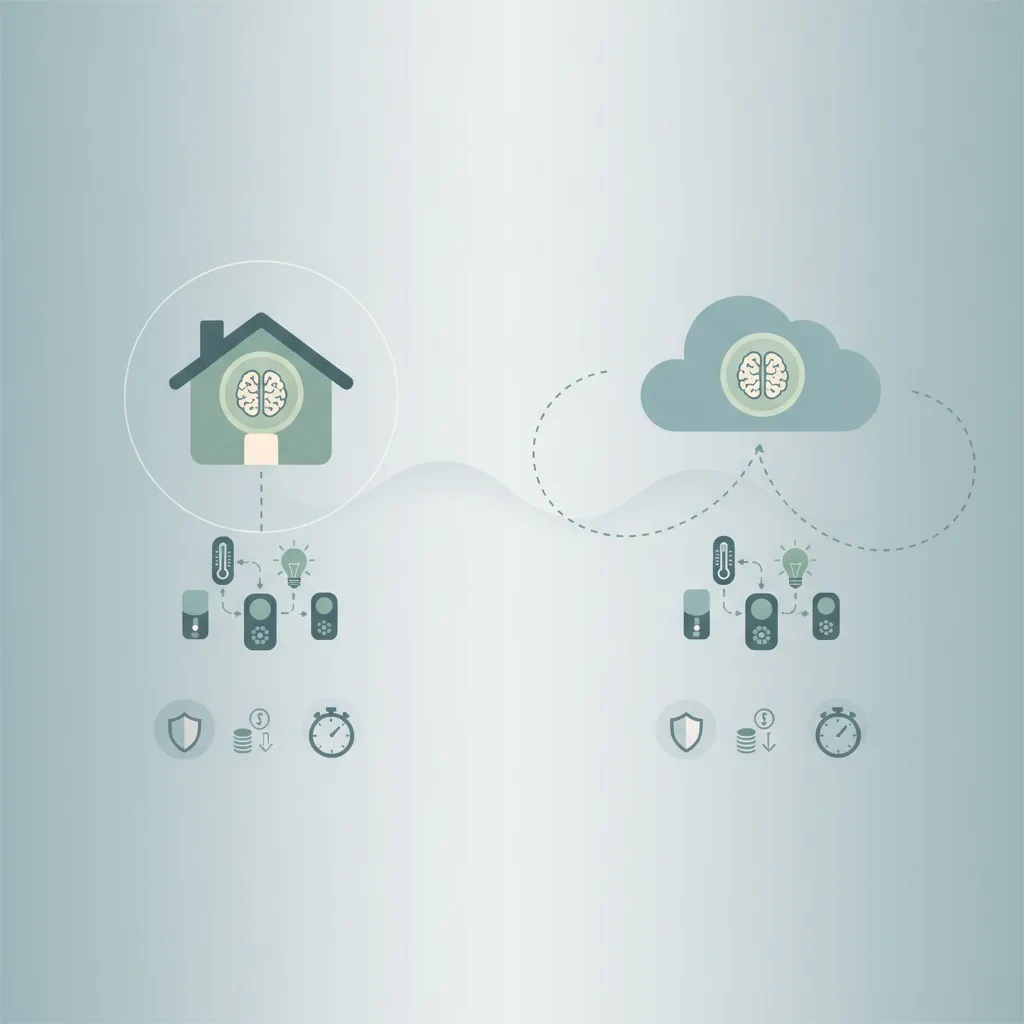
Local AI vs cloud AI for home automation comes down to whether you prioritize keeping data on your own hardware or want seamless integration with existing smart ecosystems. If you want maximum privacy, offline reliability, and predictable long-term costs, local AI is the stronger choice. If you prefer zero hardware maintenance, broad device compatibility, and voice assistants that work out of the box, cloud AI will feel more convenient. This breakdown compares how each approach handles sensitive data, what you actually pay over time, and how quickly your routines trigger so you can match the architecture to your home network and technical comfort level.
How do privacy and data handling differ between local and cloud AI?
Local AI processes voice commands, sensor readings, and automation logic directly on hardware connected to your home network. Audio recordings, camera feeds, and device states never leave your router unless you explicitly configure remote access. Tools like Home Assistant run entirely on local servers, meaning your routines execute without external API calls. This architecture eliminates third-party data collection, reduces exposure to large-scale breaches, and gives you complete control over encryption and backup schedules. You can even disable internet access on the host machine and still control lights, adjust thermostats, and trigger security automations.
Cloud AI routes every command and sensor update through external data centers before returning a response. Services like Google Home, Amazon Alexa, and Apple HomeKit rely on remote servers to interpret natural language, match intents, and communicate with manufacturer APIs. While these platforms encrypt data in transit and offer account-level privacy toggles, they still retain usage patterns for model training, voice improvement, or third-party integrations. If your internet drops, cloud-dependent routines pause until connectivity returns. The trade-off is clear: you gain polished voice interfaces and widespread device support, but you surrender continuous data streaming to external infrastructure.
For households that handle sensitive schedules, security camera footage, or medical device integrations, local processing keeps metadata and media files inside your physical perimeter. Cloud setups require trust in vendor retention policies and regular review of privacy dashboards. Both models can be hardened, but local AI removes the dependency on corporate data practices entirely.
What is the real cost difference for running local AI at home?
The financial structure of Local AI vs cloud AI for home automation follows two different curves. Local solutions require upfront hardware investment, electricity for always-on devices, and occasional component replacements. A capable single-board computer or mini PC typically costs several hundred dollars, plus storage for logs and media. You may also need to purchase dedicated USB sound cards, reliable Wi-Fi adapters, or network switches to keep latency low. Once the hardware is running, there are no monthly fees, subscription tiers, or usage caps. Over five to ten years, the total cost of ownership usually stabilizes below what recurring cloud subscriptions would accumulate, especially if you avoid premium AI add-ons.
Cloud platforms generally advertise free basic tiers, but advanced features often require paid upgrades. Manufacturer ecosystems occasionally introduce subscription gates for extended camera storage, advanced automation templates, or priority processing queues. You also pay indirectly through electricity for cloud-dependent smart displays, echo devices, or hubs that must stay online to maintain connectivity. The hidden cost is vendor lock-in: migrating away from a cloud assistant often means replacing hardware or rebuilding automations from scratch.
Local setups demand more technical maintenance. Firmware updates, network troubleshooting, and manual configuration take time, which is a real cost if you value convenience over control. If you prefer paying once for hardware and handling updates yourself, local AI delivers predictable economics. If you want plug-and-play simplicity and are comfortable with optional subscription upgrades, cloud AI keeps monthly expenses low but variable.
How does processing speed compare between on-device and cloud models?
Latency is where Local AI vs cloud AI for home automation shows the most measurable difference. Local models execute commands on the same network that your devices use, eliminating the round-trip to remote data centers. Voice wake words, motion triggers, and schedule-based routines typically respond in under a second because packet routing stays within your router and switch. You can also tune network QoS rules, disable background updates during peak usage, and isolate smart devices on a dedicated VLAN to keep automation pipelines consistent.
Cloud processing speed depends on internet bandwidth, Wi-Fi stability, ISP routing, and server load during peak hours. Even a fast connection adds dozens of milliseconds for DNS resolution, TLS handshakes, and API routing. During outages, storms, or local ISP congestion, cloud assistants may time out, repeat commands, or fall back to limited offline modes that support only hardcoded device control. The variability makes cloud AI less reliable for time-critical routines like security disarming, HVAC staging, or garage door automation.
Local AI also benefits from hardware acceleration. Modern CPUs and GPUs handle speech recognition, intent parsing, and rule evaluation efficiently when paired with optimized containers. You can run lightweight models alongside your automation server, keeping inference fast without external dependencies. Cloud platforms scale horizontally, so they rarely struggle with raw compute, but network jitter remains the bottleneck. If your home has consistent fiber or cable internet, cloud latency may feel negligible. If you rely on satellite, mobile hotspots, or shared bandwidth, local processing will feel noticeably snappier.
Which tools actually support local AI for smart home routines?
Several mature platforms let you build Local AI vs cloud AI for home automation workflows without vendor lock-in. Home Assistant remains the most widely adopted local automation server, offering native integrations for thousands of devices, a visual dashboard, and a templating engine for complex logic. It runs on Linux, supports containerized add-ons, and can host local speech processing alongside device management.
Node-RED provides a flow-based programming interface that excels at routing sensor data, triggering scripts, and connecting to local APIs. It pairs well with Home Assistant for custom logic that requires conditional branching, mathematical calculations, or external script execution. Both tools run efficiently on modest hardware and keep all configuration files stored locally.
For language processing, Ollama and llama.cpp allow you to run lightweight large language models on consumer hardware. These tools can parse natural language commands, extract device states, or summarize logs without sending text to external servers. You can route voice inputs through local speech-to-text engines, feed the transcription to a local model, and map the output to automation triggers. The ecosystem continues to mature as model quantization improves and memory requirements drop.
Hardware choices matter as much as software. The Raspberry Pi 5 offers reliable ARM performance for lightweight automation servers, while NVIDIA Jetson modules provide GPU acceleration for heavier inference tasks. Standard mini PCs with x86 processors run full Linux desktops or container stacks without thermal throttling. Each option supports Ethernet networking, which is essential for stable automation routing. You can start with a single board computer, test integrations, and scale to dedicated hardware as your device count grows.
For step-by-step configuration examples, see how to set up Home Assistant and best local AI hardware.
How to choose the right setup for your specific home network
Start by mapping your current devices, internet reliability, and technical tolerance. If you already own multiple cloud assistants, manufacturer hubs, and subscription cameras, migrating everything locally will require replacing proprietary bridges and rebuilding automations. In that case, a hybrid approach often works best: keep consumer displays and voice speakers on the cloud while routing core logic, security routines, and sensor data through a local server.
Evaluate your network architecture before committing. Wired Ethernet backhaul for hubs, switches, and automation hosts eliminates Wi-Fi contention. Segment smart devices onto a separate VLAN to prevent them from communicating with general-purpose computers. Enable local DNS resolution so device names resolve quickly without external queries. Test latency with simple trigger-and-response routines before deploying complex sequences.
Define your privacy threshold explicitly. If you want zero data leaving your home, disable all cloud discovery features, block external telemetry in your router firewall, and store backups on local NAS drives. If you accept limited cloud sync for remote access, configure strict API keys, enable two-factor authentication, and audit third-party integrations quarterly.
Finally, plan for maintenance. Local systems require firmware updates, log rotation, and periodic backup verification. Cloud systems handle updates automatically but may change interfaces, deprecate skills, or alter privacy defaults without warning. Choose the path that matches your willingness to manage infrastructure versus your comfort with external control.
Frequently Asked Questions
Can I use local AI without an internet connection?
Yes, local automation servers run entirely offline once configured. Voice processing, sensor routing, and device control execute on your home network, so routines trigger during ISP outages. You will lose remote access and over-the-air updates until connectivity returns.
Do local AI tools support mainstream smart home devices?
Most local platforms communicate via standard protocols like Zigbee, Z-Wave, MQTT, and local HTTP APIs. If your manufacturer provides open endpoints or supports local pairing, you can integrate devices without cloud dependencies. Proprietary ecosystems that require mandatory server handshakes may need workarounds or replacement bridges.
Will running local AI slow down my home network?
Lightweight automation servers consume minimal bandwidth and CPU. Heavy model inference or continuous camera processing can increase local traffic, but network segmentation and QoS rules keep automation latency stable. Cloud setups actually generate more external traffic because every command routes through remote data centers.
How often should I update a local automation server?
Security patches, integration updates, and container upgrades should be applied on a regular schedule, typically every few weeks. Test updates in a staged environment or during low-usage hours to prevent routine disruptions. Automated backup snapshots let you roll back quickly if an update breaks a dependency.
Can I mix local and cloud AI in the same home?
Hybrid architectures are common and fully supported. You can keep cloud speakers for casual voice control while routing security, HVAC, and sensor logic through a local server. Use API bridges or webhook triggers to sync states between environments without duplicating routines.
Conclusion
Choosing between local and cloud AI depends on what you value more: control or convenience. Local AI keeps data inside your home, eliminates subscription creep, and delivers consistent trigger speed, but it requires upfront hardware investment and ongoing maintenance. Cloud AI offers instant setup, broad device compatibility, and polished voice interfaces, while routing usage data through external servers and relying on internet stability. Most homeowners find success with a hybrid approach: local servers handle security, scheduling, and sensor logic, while cloud assistants manage casual voice commands and remote access. Map your network, define your privacy boundaries, and start with a single automation host before scaling. The architecture that matches your technical comfort and internet reality will deliver reliable automation without compromise. For deeper workflow examples, explore advanced automation routing strategies and local model optimization tips.